

With the release of iOS 18.6.1 and watchOS 11.6.1, Apple restored blood oxygen monitoring capabilities to US Apple Watch Series 9, Series 10, and Ultra 2 models that previously had this feature disabled due to a patent infringement suit by medical device maker Masimo. Apple’s redesign processes blood oxygen data on the paired iPhone rather than on the watch itself. After updating both devices, you can view your blood oxygen readings in the Health app under Browse > Respiratory > Blood Oxygen. If blood oxygen monitoring doesn’t activate immediately after updating, try opening the ECG app on your watch to trigger the necessary software asset download. Apple Watch units that predate the ban and those sold in other countries continue to work as they always have, with the Blood Oxygen app on the watch itself.
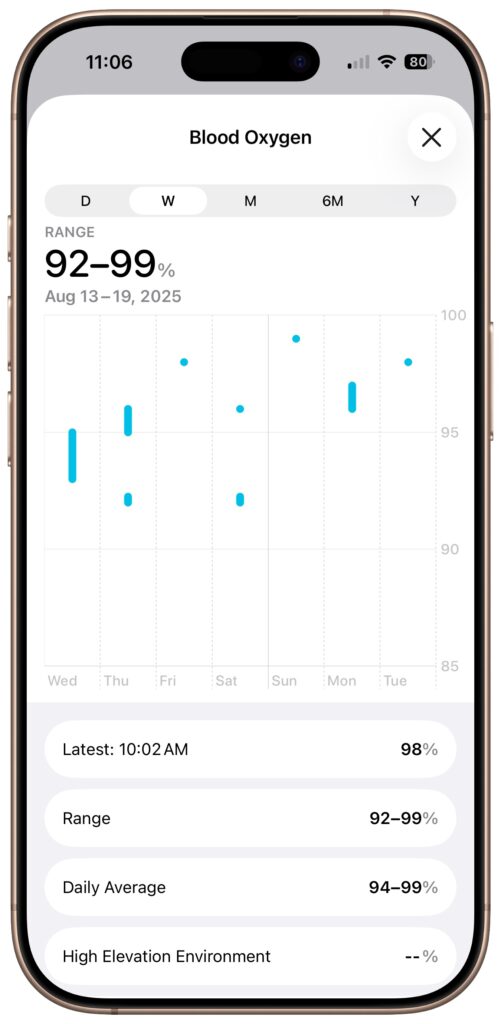
(Featured image by Adam Engst)
Social Media: Apple restored blood oxygen monitoring on recent US Apple Watch models through a creative workaround that processes and displays data on the iPhone instead of the watch. Here’s how to get it working again.
Recent Posts

Mar. 06, 2026
How to Find and Silence the Browser Tab That’s Playing Audio

Mar. 06, 2026
Losing Messages or Calls? Look in the Unknown Senders/Callers Filter

Mar. 06, 2026
iOS 26 Can AutoFill Credit Card Details

Mar. 06, 2026
Apple Refreshes Studio Display and Introduces Studio Display XDR

Mar. 06, 2026
Apple’s Focus Is Powerful but Unpredictable

Mar. 06, 2026
Why Cloud Storage Isn’t a Backup

Mar. 06, 2026
Apple Refreshes iPhone, iPad Air, and MacBook Lineups

Mar. 06, 2026
How Does the New MacBook Neo Compare to the MacBook Air?

Mar. 03, 2026
Tech Tips: Backups That Actually Save the Day

Feb. 06, 2026
Customize Folder Colors and Icons in macOS 26 Tahoe
View All Posts