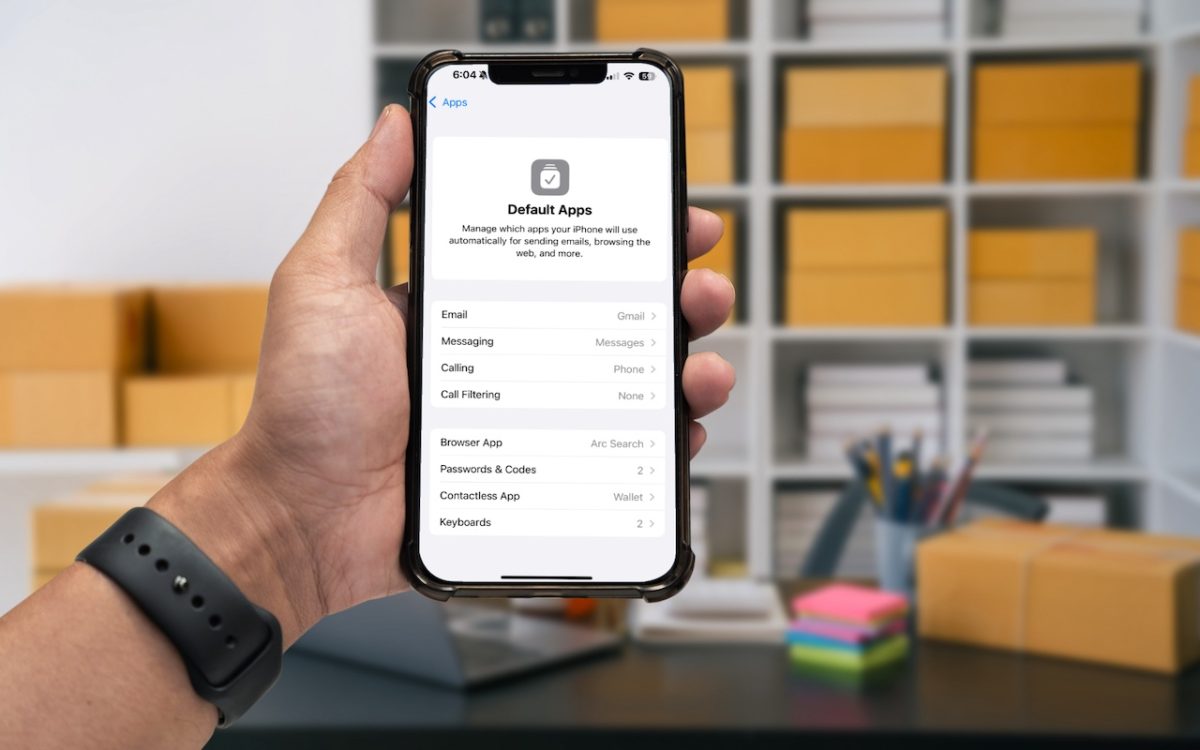
An unheralded feature in iOS 18.2 and iPadOS 18.2 helps you manage the default apps on your iPhone and iPad. A default app is one that opens automatically for a particular function, like opening a Web link or inserting a saved password. Previously, the only way to change a default app was within the settings for that app, but now …
What You Can Do with the December Wave of Apple Intelligence Features
The first set of Apple Intelligence features appeared in macOS, iOS, and iPadOS in October. Apple has now debuted the second set in the December releases of macOS 15.2 Sequoia, iOS 18.2, and iPadOS 18.2. Apple still considers them to be in beta, which is a nice way of saying that they may not work perfectly. However, they usually do …
Improve Your Hearing with the AirPods Pro 2 and iOS 18
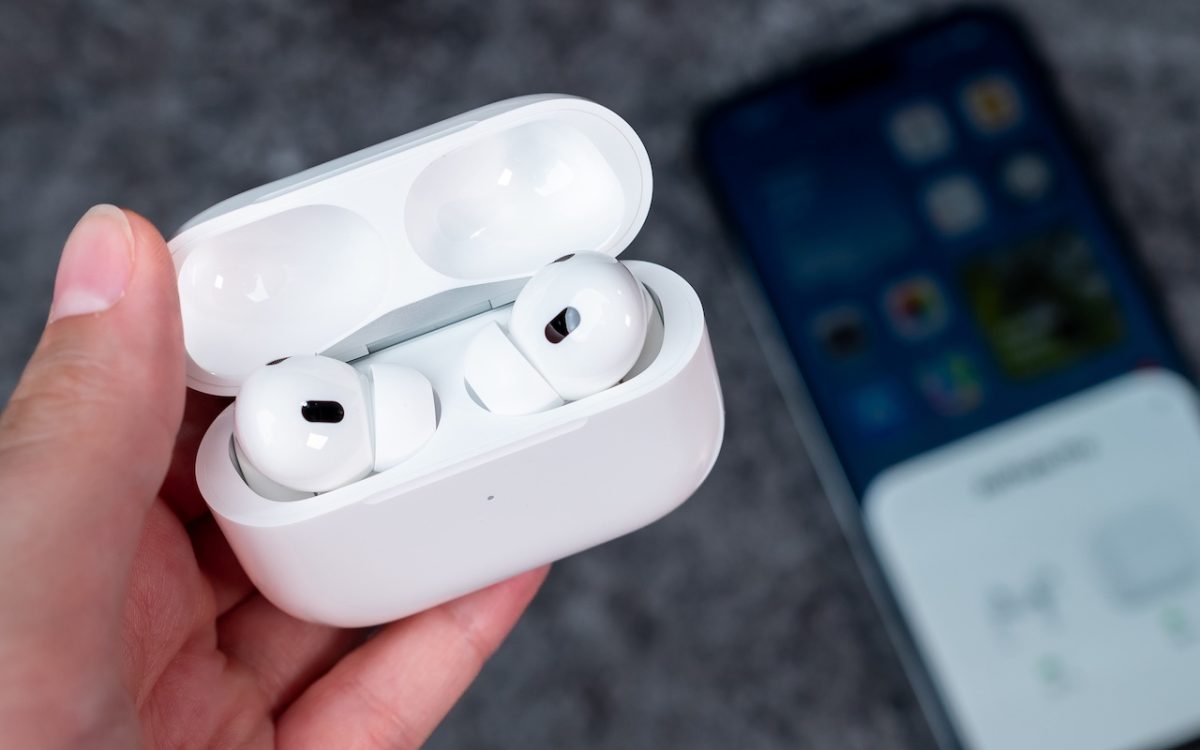
For many, Apple’s AirPods are just another pair of earbuds: a convenient way to listen to media. But with the latest versions of iOS and automatically applied firmware updates, the AirPods Pro 2 have become significantly more interesting. They have long had noise cancellation features, which we find helpful in open office environments and for turning down the volume on …
Mail on the iPhone Can Categorize Your Messages in iOS 18.2
Apple slipped a significant new feature into Mail in iOS 18.2 that has nothing to do with Apple Intelligence: Categories. Like Gmail and other email apps, Mail can now automatically categorize messages into four buckets: Primary, Transactions, Updates, and Promotions. The idea is that categories make it easier to pay attention to important messages while collecting other messages for later …
Feel Free to Upgrade to macOS 15 Sequoia When You’re Ready
While we typically advise caution when considering upgrades to the latest major macOS release, we believe Apple has sufficiently refined macOS 15 Sequoia to warrant an upgrade for those interested. You don’t need to upgrade immediately, but there are no significant reasons for most people to delay further. The big win in upgrading now is that Apple has released betas …
How to Train Yourself to Use the iPhone 16’s New Camera Control Button
If you are accustomed to opening the Camera app on your iPhone by tapping its Home Screen app icon or Lock Screen widget icon, you may find it challenging to remember to use the new Camera Control button on the side of an iPhone 16. That button is a big win for easy access to the camera and its settings. …
In iOS 18 and iPadOS 18, Quickly Turn Home Screen App Icons into Widgets
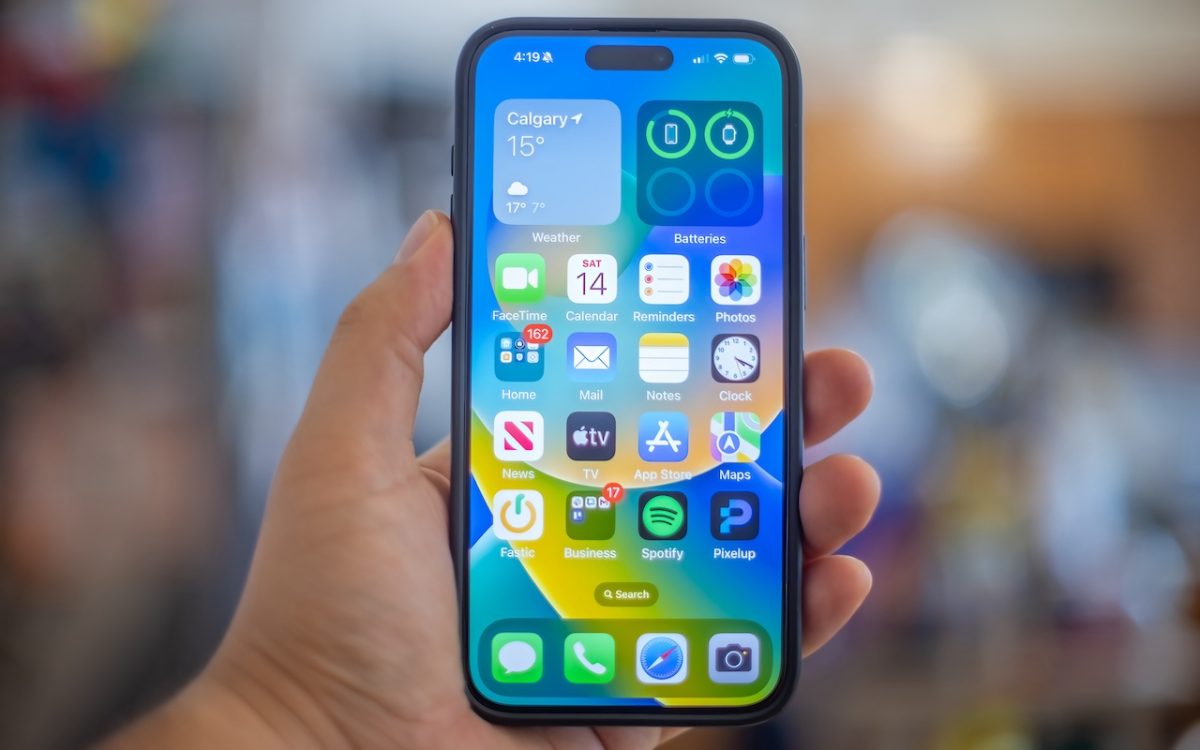
Widgets on the iPhone or iPad Home Screen are enhanced versions of app icons that display extra information. You can now bypass the complicated widget creation process and experiment with widgets more easily. No longer do you have to edit the Home Screen, tap the Edit button, tap Add Widget, choose a widget from the full set of choices, and …
Control Window Tiling in macOS 15 Sequoia
One of macOS 15 Sequoia’s most noticeable additions is a new form of window tiling. Drag a window to the menu bar to expand it to fill the screen, to the left or right edge to resize it to half the screen, or to a corner to resize it to that quarter of the screen. As you drag, a white …
Don’t Listen to Anyone Who Tells You to Drag a Text File into Terminal
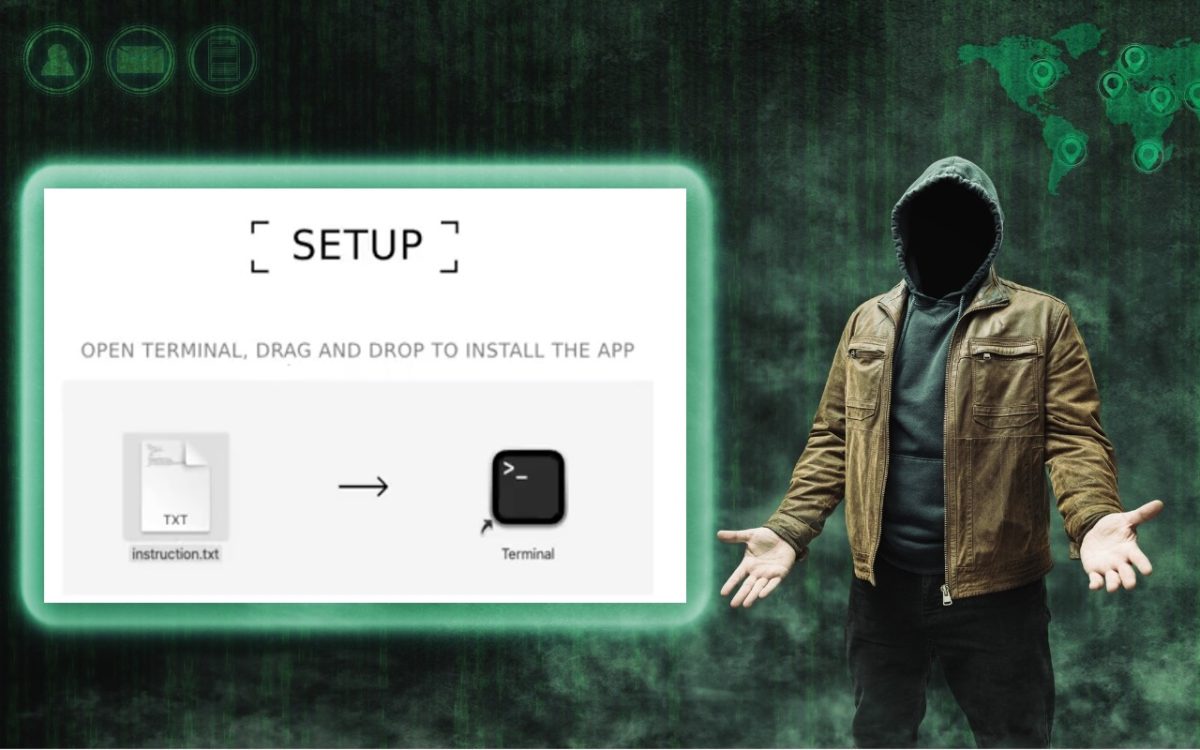
In macOS 15 Sequoia, Apple made it more difficult to bypass Gatekeeper to run apps that aren’t notarized. (Notarization is one of the ways Apple ensures that apps distributed outside the Mac App Store are unmodified and free from malware.) Cybercriminals have responded to this increase in security with a new social engineering attack. They provide the victim with a …
Website Owners: Identifying Copyright Infringement Link Insertion Scams
We regularly warn Internet users about online scams and phishing attacks. Most of these are relatively easy to identify and avoid once you’re aware of telltale signs. Unfortunately, we’ve encountered a newer type of scam that’s more difficult to identify, partly because it plays on fears of legal action. Website owners are the target of this scam email, which purports …