A new feature for Apple Music subscribers in the Music app in iOS 26, iPadOS 26, and macOS 26 is AutoMix, which Apple says causes songs to “transition at the perfect moment, based on analysis of the key and tempo of the music.” It fades between songs as a DJ would, but it’s not always successful. If AutoMix’s transitions aren’t …

How to Encourage Successful AI Use in Your Organization
The AI hype train continues to gain momentum, with breathless reports of rapid user growth, billion-dollar deals, and sky-high company valuations. At the same time, it’s easy to highlight AI pilot failures, problematic uses, and worries about job losses. As always, reality lies between the extremes. AI is just another technological tool, like spreadsheets, email, and the searchable Web. Like …
Five Invisible Characters That Still Matter in Word Processing and Layout
In earlier eras of word processing, users were much more likely to encounter explanations of document structure—not because everyone had to become an expert, but because knowledge was shared differently. Software shipped with detailed manuals, user groups and training classes focused on how documents worked under the hood, and power users routinely shared mental models and tips. (Who remembers being …
How to Ensure You Don’t Miss Reminders
Recording a task in Apple’s Reminders app on your Mac, iPhone, or iPad is just the first step—the app captures what you need to do—but what matters more is being reminded to take action at the right moment. (The most important step, of course, is following through, but that’s on you.) Here’s how to configure Reminders to get your attention …
Upgrade to macOS 26 Tahoe When You’re Ready
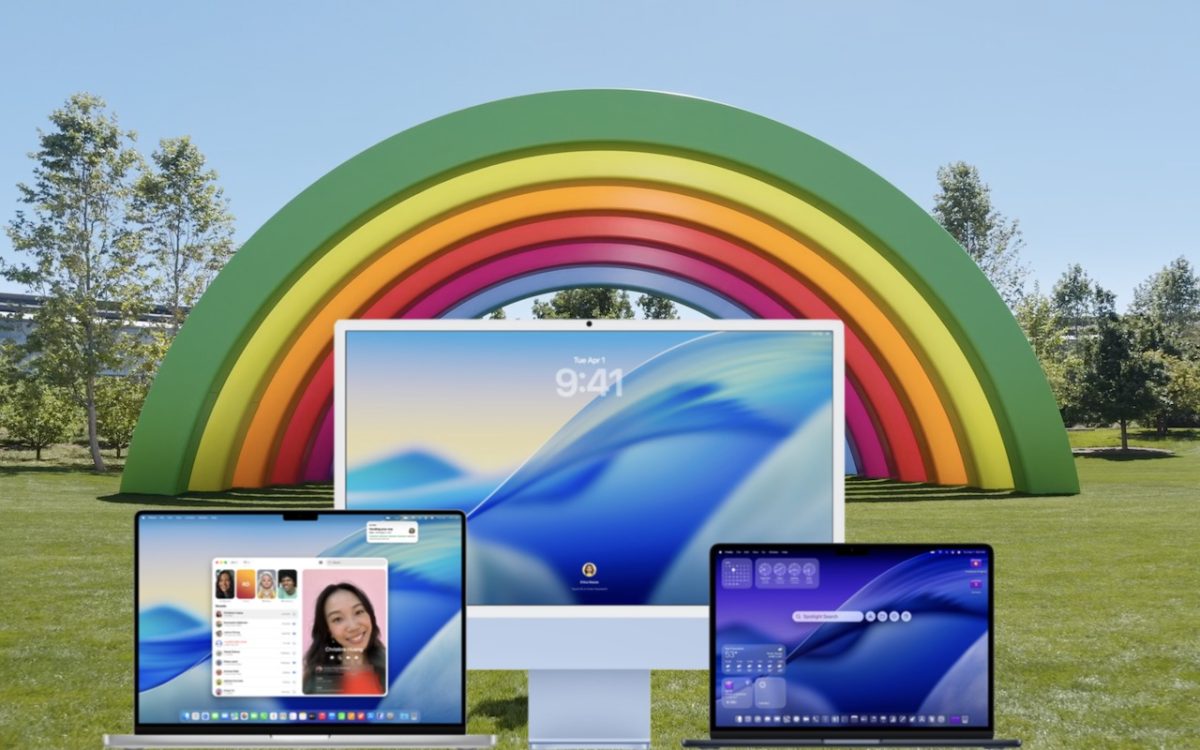
Apple has now sufficiently refined macOS 26 Tahoe to make an upgrade worthwhile for interested users. You don’t need to upgrade immediately, but there are no strong reasons for most people to delay further. Unlike last year, when Apple was releasing new Apple Intelligence features with each macOS 15 Sequoia update, the company launched nearly all the promised new features …
Create Reminders to Return Calls Directly in the Phone App
Apple introduced a neat new feature in the Phone app in iOS 26 and iPadOS 26 (but not macOS 26): callback reminders. Whenever you miss a call and think, “I’d better call this person back later,” you can now create a reminder to do that right within the Phone app. Swipe left on any call, tap the blue clock icon …
Clean Up Your Mac’s Login Items for Better Performance
If you use certain apps or documents regularly, you can ensure they’re ready to go after a restart by manually adding them to your Login Items list. Some login items are also added automatically by apps that want to be available at all times. Either way, when the Mac boots, it automatically opens all login items. But it’s easy to …
Messages Now Offers Shared Conversation Backgrounds
A potentially surprising and fun new feature in Messages in iOS 26, iPadOS 26, and macOS 26 Tahoe is conversation backgrounds. To set one, tap the person or group icon at the top of the conversation, then tap Backgrounds, select an image, and tap the blue checkmark to save. What you might not realize is that conversation backgrounds are shared …
Reminders (Finally) Adds Time Zone Support
Apple’s latest operating systems have eliminated a longstanding annoyance for frequent travelers: the lack of time zone support in Reminders. If you had set a reminder to alert you at 9 AM Eastern and then traveled from Virginia to California, your alert would go off at 6 AM, which is likely unhelpful and potentially sleep‑disrupting. In iOS 26, iPadOS 26, …
Stay Safe in 2026 with These New Year’s Resolutions
We’re approaching the end of 2025, so we encourage you to consider your New Year’s resolutions. For many people, the new year offers an opportunity to reflect on habits we’d like to adopt or solidify. Although we support reducing social media use and making other positive lifestyle changes, we’d like to suggest a few additional resolutions to improve your digital …