Recovering from a Failed Update with a Nearby iPhone or iPad

Recovering from a Failed Update with a Nearby iPhone or iPad

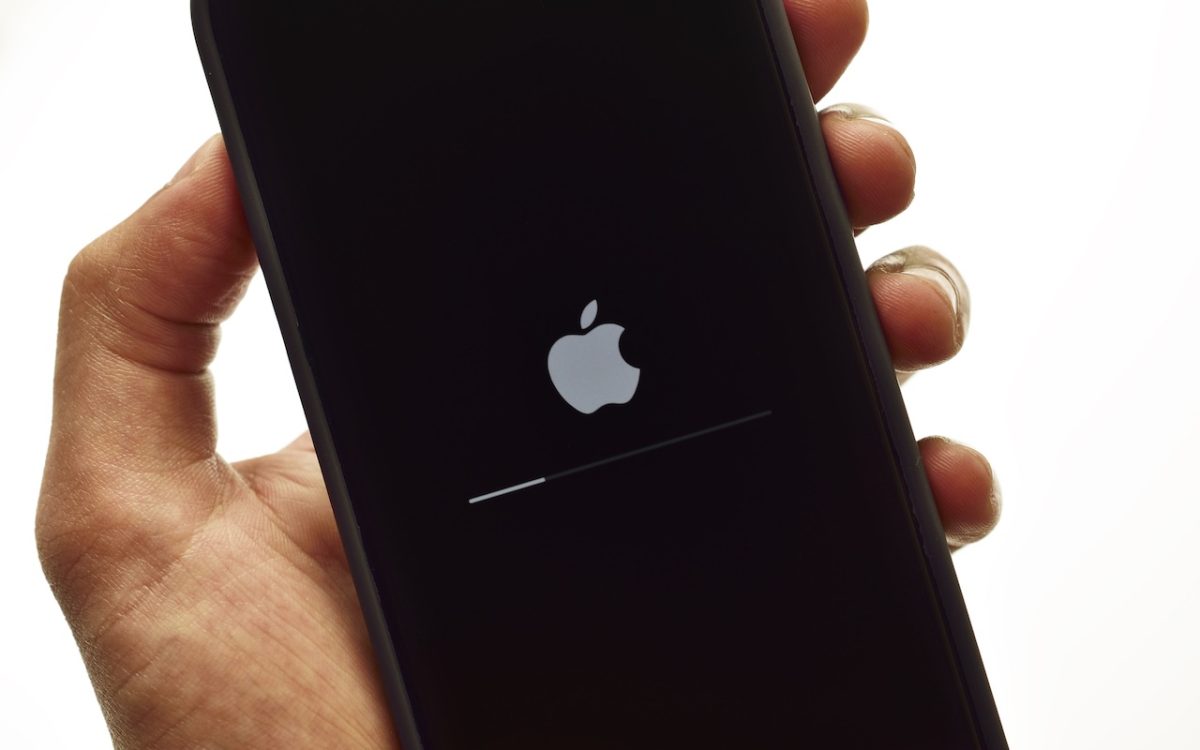
We hope you never need a new recovery option that Apple has added to the iPhone 16 and current iPad mini (with an A17 Pro chip). If a device gets stuck during an iOS or iPadOS update, you may see an animation of devices being moved close together, indicating that it’s in recovery mode. Apple’s new solution to a failed …

Apple Introduces AppleCare One for Multi-Device Coverage

Apple Introduces AppleCare One for Multi-Device Coverage

Apple has launched AppleCare One, a new device protection plan that consolidates coverage for multiple Apple devices into a single monthly subscription. For $19.99 per month, US customers can protect up to three devices, with any additional devices costing $5.99 each per month. The plan includes unlimited repairs of accidental damage, battery replacements when capacity drops below 80%, and up …

Press Control-Return in Sequoia to Open Contextual Menus

Press Control-Return in Sequoia to Open Contextual Menus

Those who prefer keeping their hands on the keyboard may appreciate Apple’s addition of a new shortcut in macOS 15 Sequoia. Instead of Control-clicking to open a contextual menu with commands to apply to the current selection, you can press Control-Return. Since it’s so new, it doesn’t work in some older apps or those that sidestep standard Apple frameworks, but …

Dropbox Passwords Ending: Switch to 1Password Now

Dropbox Passwords Ending: Switch to 1Password Now

If you use Dropbox Passwords, it’s time to switch to a new password manager. Dropbox has announced it will discontinue the service on October 28, 2025, with key features being disabled in phases starting August 28. After the final shutdown date, all stored passwords will be permanently deleted. Dropbox recommends users switch to 1Password and has made that super easy. …

Advice for Good Office Ergonomics

Advice for Good Office Ergonomics

Let’s look at how to keep your body comfortable and healthy when you interact physically with your Mac. In a word: ergonomics. You’ll find it easier to focus and be productive if nothing hurts. Plus, you want to avoid long-term problems like carpal tunnel syndrome and chronic neck strain. While some workplace setups may be outside your control, there are …

Watch Out for Modern Tech Support Scams

Watch Out for Modern Tech Support Scams

Although Apple’s products and services generally live up to Steve Jobs’s phrase “it just works,” problems do occur, opening the door to scams targeting users seeking tech support. As professional providers of technical support, we’ve seen firsthand how these frauds have evolved from simple pop-ups to disturbingly convincing operations and how easy it is to fall for them if you’re …

Heat Wave Survival Guide for Your Apple Devices

Heat Wave Survival Guide for Your Apple Devices

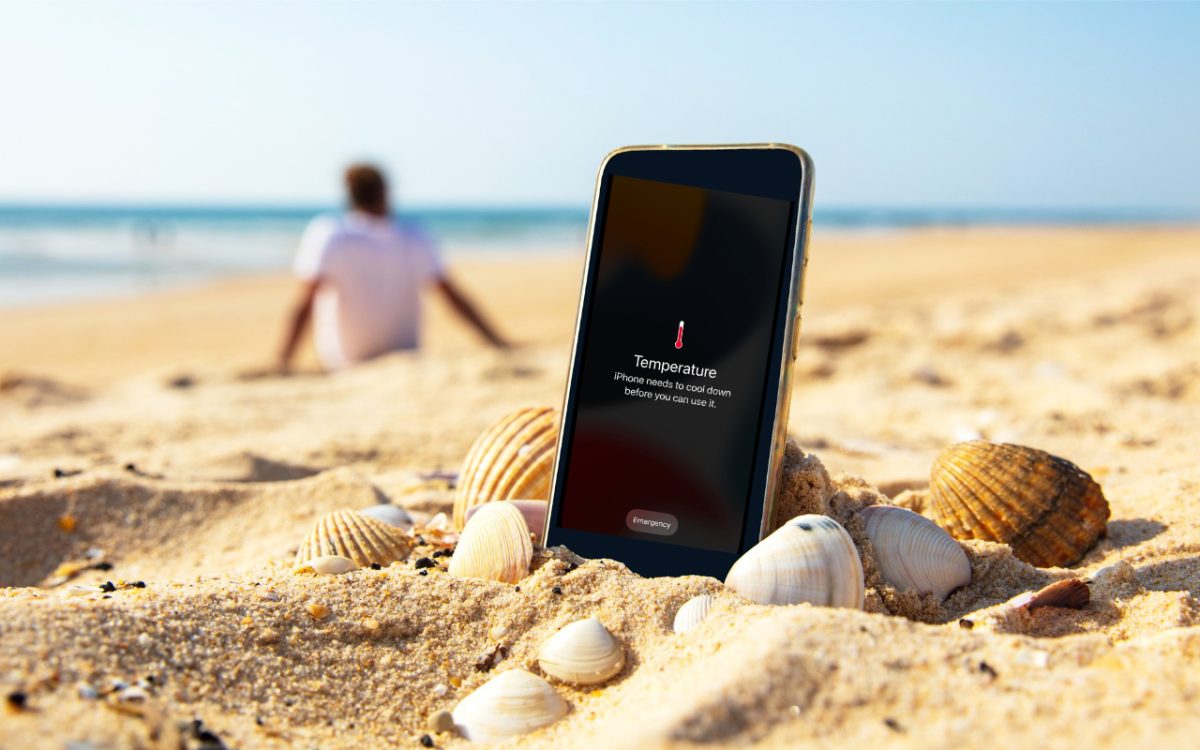
A massive heat dome earlier this summer exposed large swaths of the United States to heat index values approaching or exceeding 120ºF, underscoring the importance of protecting our devices from heat damage. Overheating can degrade performance, interrupt charging, disable features, and cause general device instability. When Temperature Becomes a Problem You might be surprised by how sensitive electronic devices are …

What Is Safe Mode, and When Should You Use It?

What Is Safe Mode, and When Should You Use It?

Although Macs are highly reliable, unusual problems can still rear their ugly heads. Often, these issues are caused by software you’ve installed or accessories you’ve connected. If you’re experiencing Mac misbehavior that isn’t easily fixed by restarting, updating software, or unplugging a dodgy device, try safe mode. (Seriously, before checking if safe mode will help with a problem, you should …

Never Paste Unknown Text into Terminal!

Never Paste Unknown Text into Terminal!

Here’s a new scam to watch for. A client reported running across a suspicious website masquerading as a human verification test. Instead of asking him to click pictures or solve a math equation, this one asked him to copy some text from the page and paste it into Terminal. The text was actually an encoded script that—if pasted into Terminal …

Anker Recalls Millions of Power Banks: Check Yours Today

Anker Recalls Millions of Power Banks: Check Yours Today

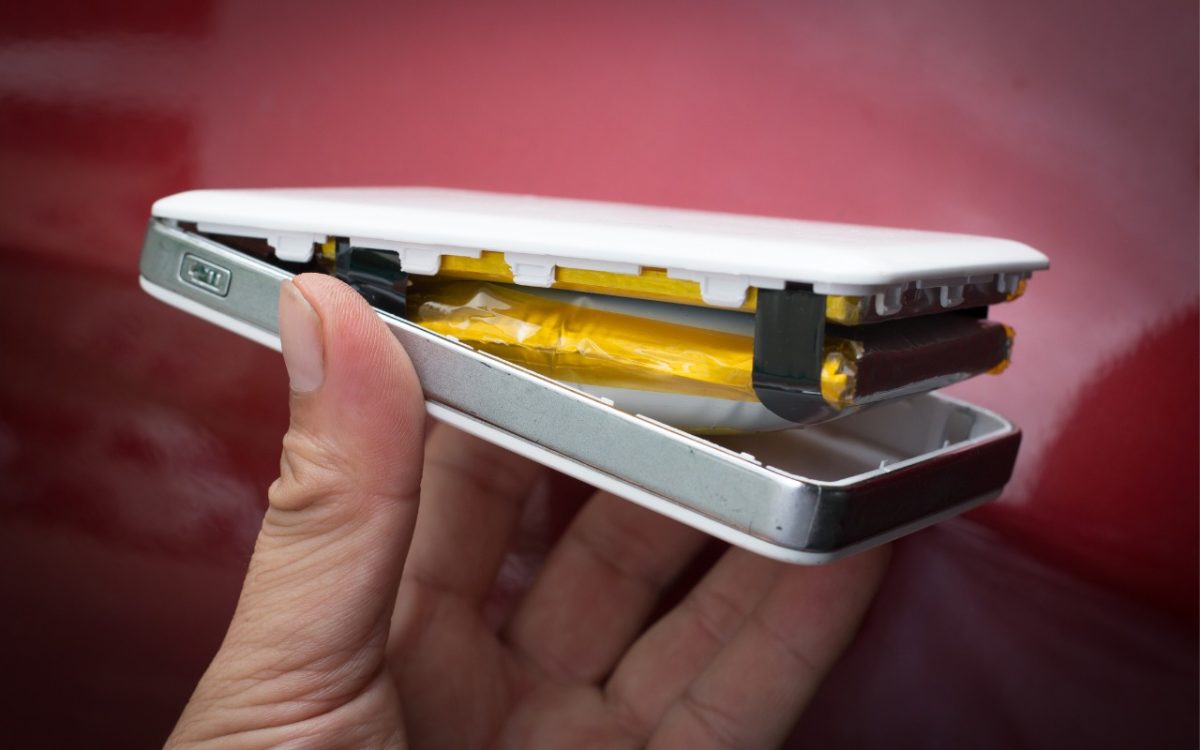
We recommend sticking with well-known brands when buying accessories, and a recent example illustrates why this is important. Anker, a highly regarded accessory manufacturer, has initiated voluntary recalls of power bank models sold from 2016 to the present due to the risk of overheating, melting, smoke, and fire. In mid-June, the company recalled 1.1 million PowerCore 10000 power banks; it …