

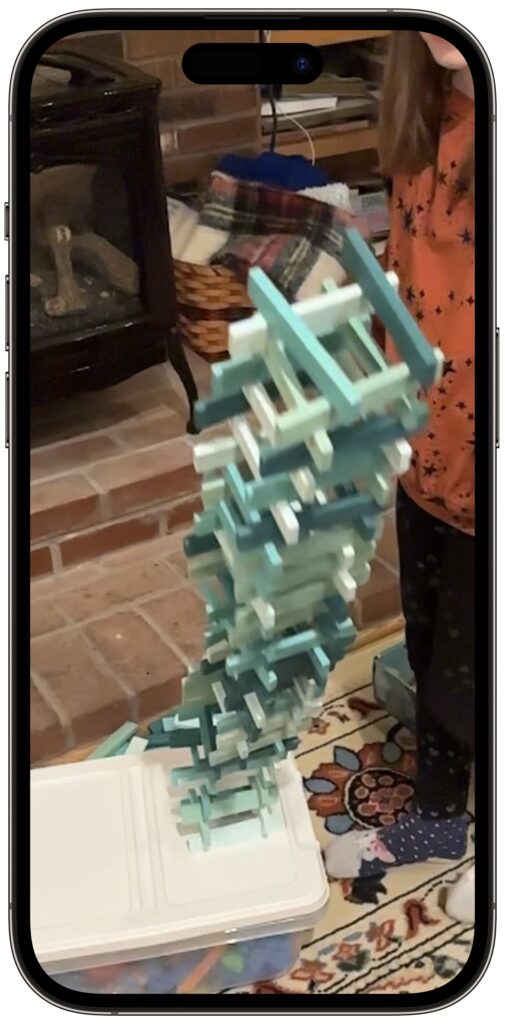
If you find yourself at a family gathering with bored children over the holidays, allow us to recommend an activity that can keep kids engaged. Figure out something the kids can do that involves motion—knocking down a tower of blocks, rolling a ball or toy car down stairs, even just making silly faces—and record them using the Slo-Mo option in the Camera app. Swipe left (iPhone) or down (iPad) on the viewfinder or labels to move from Photo mode to Slo-Mo mode, and then tap the red record button to start filming. Our test kids had fun building tall towers to knock over while filming, giggled madly while watching the videos, and went on to brainstorm other activities to film in slow motion.
(Featured image by iStock.com/Elena Vafina)
Recent Posts

Mar. 06, 2026
How to Find and Silence the Browser Tab That’s Playing Audio

Mar. 06, 2026
Losing Messages or Calls? Look in the Unknown Senders/Callers Filter

Mar. 06, 2026
iOS 26 Can AutoFill Credit Card Details

Mar. 06, 2026
Apple Refreshes Studio Display and Introduces Studio Display XDR

Mar. 06, 2026
Apple’s Focus Is Powerful but Unpredictable

Mar. 06, 2026
Why Cloud Storage Isn’t a Backup

Mar. 06, 2026
Apple Refreshes iPhone, iPad Air, and MacBook Lineups

Mar. 06, 2026
How Does the New MacBook Neo Compare to the MacBook Air?

Mar. 03, 2026
Tech Tips: Backups That Actually Save the Day

Feb. 06, 2026
Customize Folder Colors and Icons in macOS 26 Tahoe
View All Posts